How to earn money recording your tasks with your phone
Companies need videos of hands at work to teach robots. Here is how it works, what you need and how to start.
Why would anyone pay for these videos?
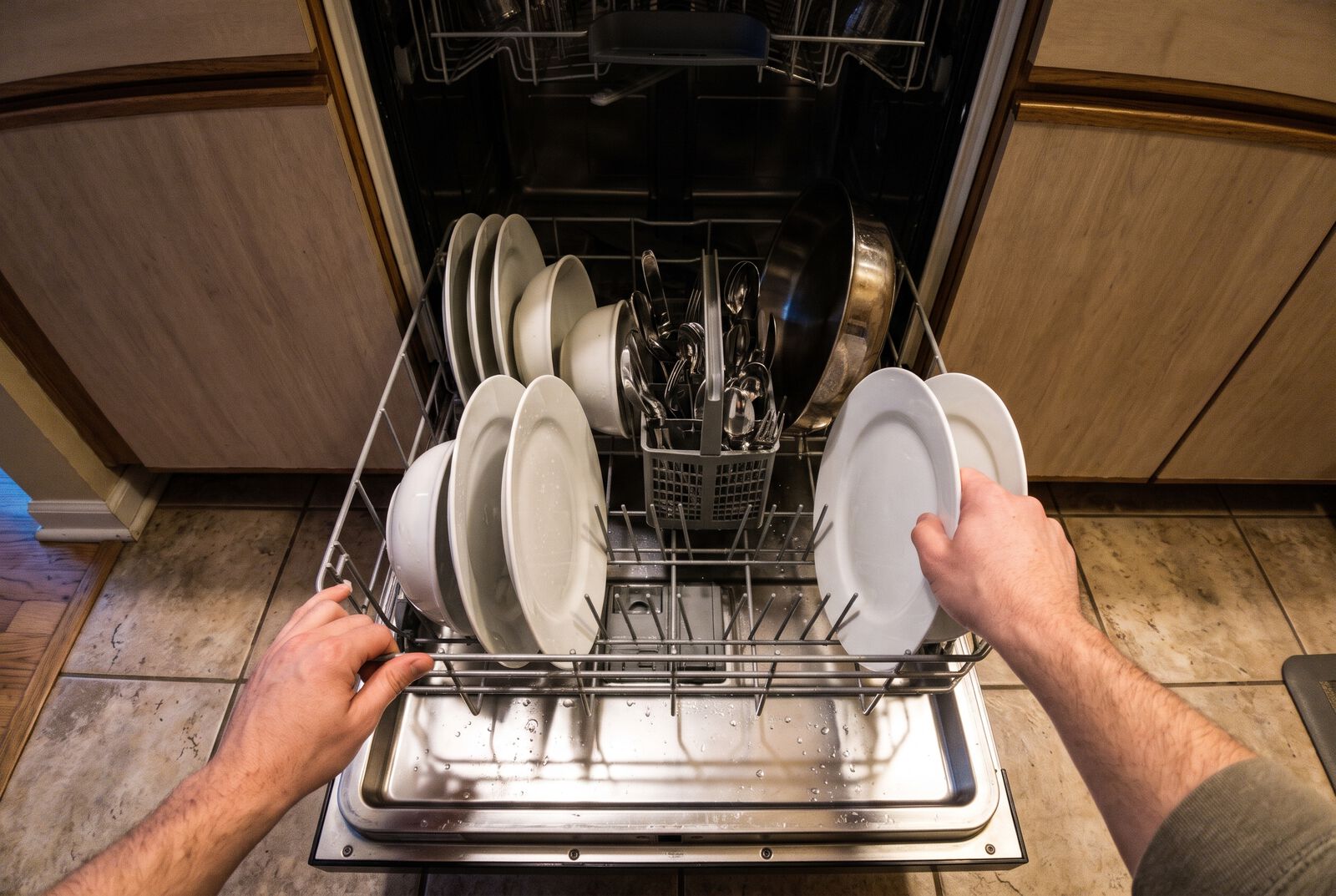
Robots that work with their hands learn by watching. To fold clothes, sew a garment or pack an order they need a great many hours of video of real people doing those tasks, recorded from the worker's own eyes. That is why the camera goes on the forehead, not on a tripod.
What you record
Tasks you already do: at work, such as a garage, a kitchen or a warehouse, or at home, such as cooking, washing dishes or ironing. No acting and no talking to the camera. You work at your own pace with your hands in view.
What you need
- A supported phone: iPhone 12 or newer, Google Pixel 6 or newer or Samsung Galaxy S21 or newer (not the FE models).
- A mount to wear the phone on your forehead.
- Being 18 or older and living in one of the available Latin American countries.
How to start
- Create your Graspal account with Google or your email and get your personal code.
- Download the Minute app and sign up with the same email and your code.
- Record. Every video is reviewed and approved hours add to your balance in the dashboard.
If it is your first time, the Hark app walks you through sign-up and helps you order the head mount and put it on right.
How much can you earn?
You are paid per approved hour and every task has its own rate. Work tasks usually pay more than home tasks. Each task shows its rate in the app before you record.